The ultrawide display is quietly becoming the default screen for enterprise desktops, control rooms, and collaboration spaces. Organizations that once standardized on dual 24-inch monitors are discovering that a single 21:9 ultrawide delivers more usable screen area, fewer cables, and a cleaner workspace, all while simplifying IT procurement and support. This article walks through the business case for ultrawide displays in enterprise environments and explains what to look for when evaluating models for professional deployment.
The Problem with Dual Monitor Setups in Enterprise
Dual monitor configurations have been the productivity standard for over a decade. Two screens give knowledge workers the space to reference one document while editing another, monitor dashboards while responding to email, or keep a video call visible alongside a shared workspace. The ergonomic and productivity benefits are well documented.
But dual setups carry hidden costs that compound at scale. Each workstation needs two monitors, two power cables, two video cables, and often a docking station or adapter to drive both screens. Cable management becomes a recurring maintenance task. The physical bezel between screens splits the user’s field of view, creating a dead zone right where their eyes naturally rest. And when IT manages thousands of seats, the logistics of procuring, deploying, and supporting two devices per desk add measurable overhead.
For control rooms and operations centers, the problems multiply. Dual monitors on operator consoles create bezel gaps in critical viewing areas, limit desk space for keyboards and reference materials, and make it harder to design ergonomic workstation layouts that meet 24/7 operational requirements.
How a Single Ultrawide Display Solves These Problems
An ultrawide display in 21:9 aspect ratio provides a continuous screen surface equivalent to two standard monitors placed side by side, but without the center bezel. A 34-inch ultrawide at 5120×2160 resolution gives the user more horizontal pixel space than two 27-inch 1080p screens combined, in a single device with a single cable connection.
Fewer Cables, Simpler IT
Modern ultrawide displays connect to a laptop or workstation with a single USB-C cable that carries video, data, and power simultaneously. That one cable replaces the power adapter, HDMI or DisplayPort cable, USB hub, and Ethernet adapter that a typical dual-monitor desk requires. For IT teams deploying hundreds or thousands of seats, this reduction translates directly into lower procurement costs, faster setup times, and fewer support tickets related to connectivity issues.
No Bezel, No Blind Spot
The center bezel in a dual-monitor setup is more than an aesthetic nuisance. It interrupts the user’s visual flow across the workspace, makes it awkward to position a primary application across the center of the desk, and forces users to choose a “dominant” screen rather than using their full field of view naturally. An ultrawide display eliminates this entirely. The continuous surface lets users arrange windows freely, position their primary task front and center, and scan across data without a physical interruption.
Better Ergonomics and Space Efficiency
A single ultrawide monitor takes less desk depth than two angled screens and sits at a consistent viewing distance across its width. This matters in control rooms where desk real estate is shared with keyboards, phones, radios, and reference documents. It also matters in open-plan offices where desk sizes are shrinking. One ultrawide display on a single monitor arm provides a cleaner, more organized workspace that supports better posture and reduces neck rotation compared to scanning between two separate screens.
The Enterprise Ultrawide: Not a Consumer Monitor
Consumer ultrawides are designed for gaming and media consumption. Enterprise ultrawides are built for a different set of requirements. When evaluating ultrawide displays for professional deployment, the feature set that matters is not refresh rate or HDR gaming modes. It is reliability, manageability, and integration.
5K Resolution at 21:9
Enterprise ultrawides should deliver 5K resolution (5120×2160) at the native 21:9 aspect ratio. This provides pixel density high enough for sharp text rendering at normal viewing distances, which is critical for users who spend eight or more hours reading data, code, or documents. Lower-resolution ultrawides (3440×1440) save cost but sacrifice the text clarity that drives sustained productivity.
Jupiter was the first company to commercialize a 21:9 5K ultrawide display purpose-built for enterprise environments, launching the Pana series in 2021. The current lineup includes models from 34 inches to 105 inches, all at native 5120×2160 resolution, designed for control rooms, collaboration spaces, and executive workstations.
Commercial-Grade Panel and Build
Enterprise displays need to run continuously in some deployments, maintain consistent color and brightness over years of operation, and withstand the thermal demands of enclosed AV furniture. Consumer monitors are designed for four to six hours of daily use. Professional displays like the Pana series are rated for extended operation with panel technologies selected for long-term stability and low heat output.
Integration with Video Wall Processors
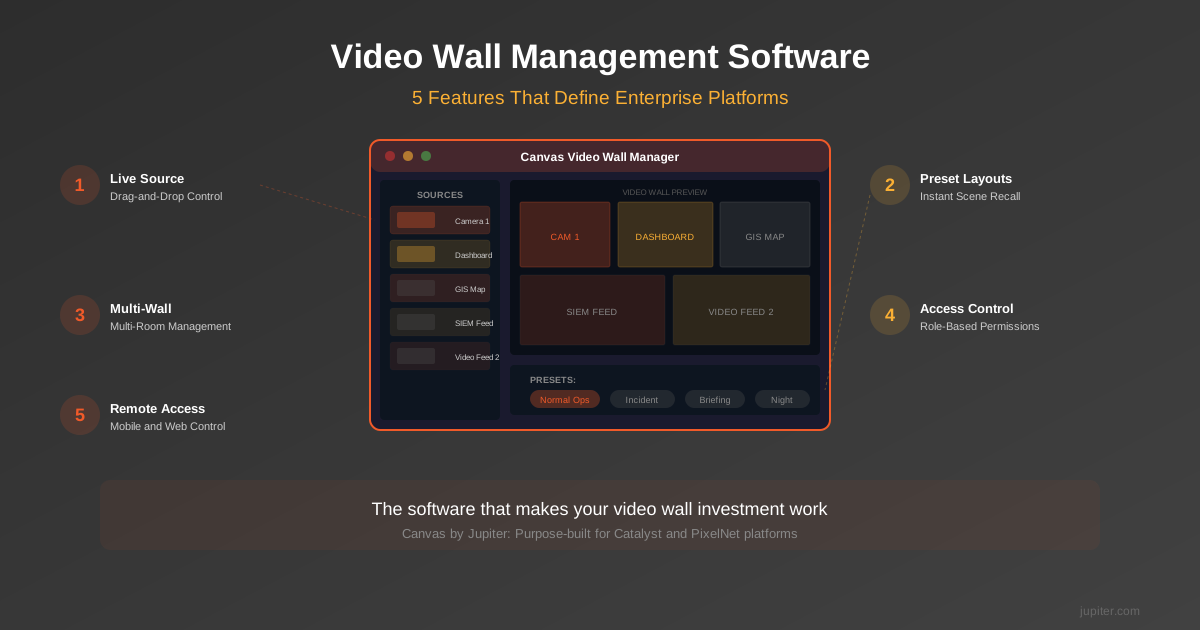
In control room and operations center environments, ultrawide displays often serve as both personal operator screens and components of larger visual systems. The ability to feed an ultrawide display from a video wall processor, receiving multiple managed sources on a single screen, transforms the monitor from a passive display into an active operations tool. Jupiter’s Catalyst processors output 5K ultrawide resolution natively at 60Hz, allowing operators to see multiple live sources, tiled and managed by the processor, on a single Pana display without scaling or resolution loss.
Ultrawide Displays in Control Room Design
Control rooms present the strongest case for ultrawide adoption. Traditional operator stations use two or three 16:9 monitors arranged in an arc, each driven independently. This creates management complexity (multiple video outputs per seat), ergonomic challenges (wide viewing angle across three bezeled screens), and design constraints (deep desks to accommodate the monitor array).
Replacing a three-monitor operator station with a single large-format ultrawide, such as the Pana 49 or Pana 65, consolidates the entire visual workspace onto one screen. The operator sees the same number of sources, managed by a processor, on a continuous surface. Cable runs drop from six or more to one or two. Desk depth requirements shrink. And the operator’s visual experience improves because there are no bezels fragmenting their view of the data.
For meeting rooms and collaboration spaces, the Pana 92CT adds multi-touch annotation, built-in wireless connectivity, and Android-based application support, turning the ultrawide form factor into a collaboration platform that replaces both the room display and the interactive whiteboard.
Building the Business Case: What to Present to Leadership
Switching from dual monitors to ultrawides is a capital decision that requires justification. Here are the quantifiable factors to include in a business case:
Hardware consolidation. One display replaces two. Across 500 seats, that is 500 fewer monitors to procure, asset-tag, and eventually dispose of. Include the cost of docking stations, adapters, and cables eliminated by USB-C single-cable connectivity.
Deployment time. A single-cable monitor takes less time to set up per workstation. At enterprise scale, the hours saved across an office build-out or refresh cycle are significant.
Support ticket reduction. Fewer cables and fewer devices per desk mean fewer points of failure. Organizations that have moved to single-cable ultrawide setups consistently report a drop in display-related support requests.
Desk space recovery. Smaller monitor footprint frees desk area for other equipment or allows the organization to specify smaller desks, reducing furniture costs in new build-outs.
Energy efficiency. One display typically draws less power than two equivalent screens. Over thousands of seats and multiple years, the energy savings contribute to both cost reduction and sustainability targets.
Choosing the Right Ultrawide for Your Environment
The right ultrawide display depends on the use case. For standard enterprise desktops, a 34-inch 5K ultrawide provides the productivity benefits with a form factor that fits existing desk layouts. For control room operator stations that currently use two or three monitors, a 49-inch or 65-inch ultrawide consolidates the workspace. For collaboration rooms and briefing centers, a large-format touch-enabled ultrawide like the 92-inch Pana 92CT serves as both the room display and the interactive surface.
Across all sizes, prioritize native 5K resolution, commercial-grade panel ratings, and the ability to integrate with your existing or planned AV processing infrastructure. The ultrawide display is not just a monitor upgrade. It is a workspace architecture decision that affects cabling, desk design, and how operators interact with their data every day.
Explore the full Pana ultrawide display lineup and specifications on our Pana product page, or read how one ultrawide display replaces five desk devices in a real-world enterprise deployment.